Winston, an AI for the home, by Bray-Zen
Sent to your phone for approval — the garage door won't open until you confirm it there.
— Winston, when asked to “open the garage”
Android app: available · Web app: available · iOS: coming soon
The problem
Lights, heating, cameras and locks each come with their own app, and none of them knows about the others.
Voice assistants answer one command at a time. They don't remember your routines or understand your home.
An AI that can unlock the front door needs real safeguards built into the software, not a politely worded prompt.
What he does
Winston sits on top of Home Assistant, the open-source smart home platform, so he works with thousands of devices you already own.
Talk to him in the native Android app or the web app, with iOS on the way. On Android, speech is handled on the phone itself.
Lights, heating, blinds, cameras, locks and media. If Home Assistant can see a device, Winston can use it.
He keeps notes on how your home works, stored as plain text you can read and edit yourself.
“Remind me when I get home” reaches your phone when you actually walk in, not at a guessed time.
Longer tasks go to Claude Code. The changes come back to you for review before anything is applied.
Winston runs on hardware in your home. Set a monthly limit for Claude, and he switches to local models when it's reached.
Safety
Winston can't take an important action on his own. It waits for a person to tap Approve on their phone. The rule is enforced in the code, not left to the AI's judgement.
| Lights on or off | Done |
| Set the heating | Done |
| Lock a door | Done |
| Close the garage | Done |
| Arm the alarm | Done |
| Set a reminder | Done |
| Check any device | Done |
| Unlock a door | Asks |
| Open the garage | Asks |
| Disarm the alarm | Asks |
| Send an email | Asks |
| Delete a calendar event or media | Asks |
| Wake a computer | Asks |
| Change system files, restart services or deploy software | Asks |
In his own words
Real replies from our test runs on Claude, using Winston's own instructions and a sample house.
Unlock the front door, the courier's here.
Sent to your phone for approval — front door will unlock once you confirm.
lock.unlock → held for approvalWarm the living room up to 21 and put the lights on.
Done — thermostat set to 21°C (currently 18.5°C, climbing) and the living room lights are on.
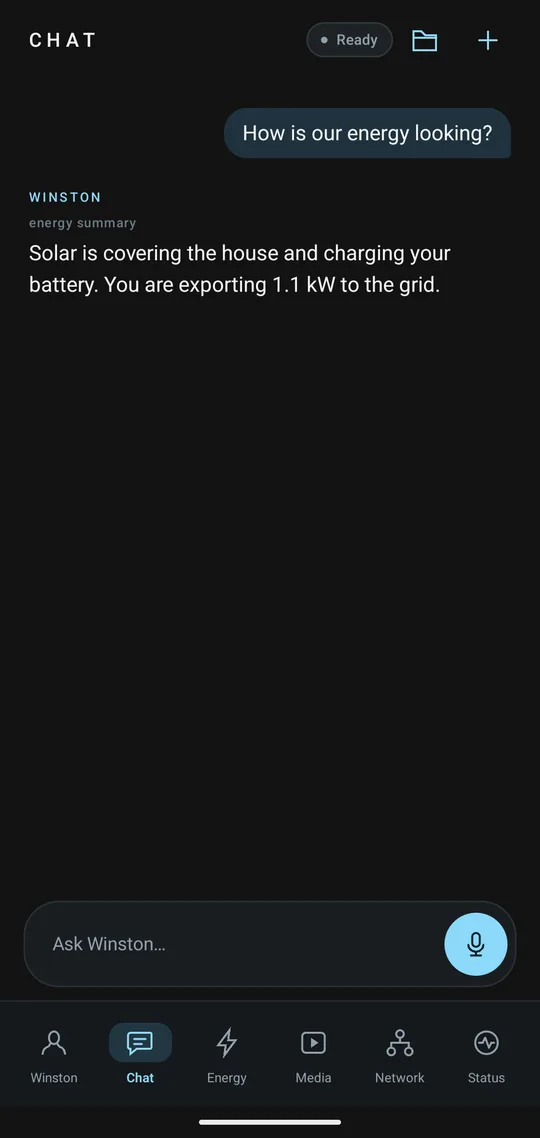
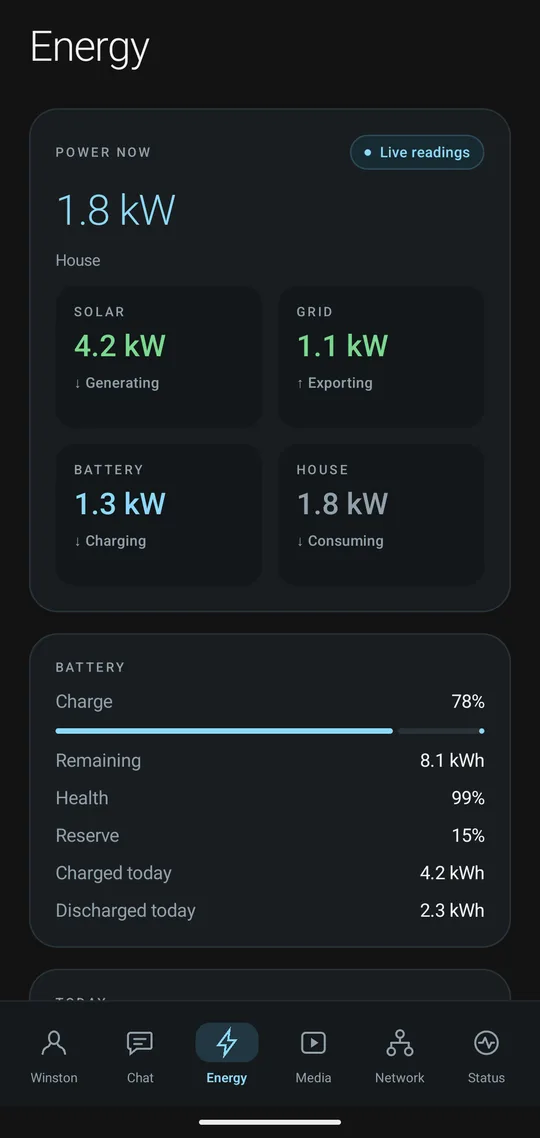
climate.set_temperature · light.turn_onHow much solar have we made today?
14.2 kWh of solar so far today. Battery's at 81%, and you've exported 6.7 kWh to the grid against 2.1 kWh imported.
energy_summaryRemind me to put the bins out when I get home.
Done — you'll get a nudge to put the bins out the moment you arrive home.
remind_when · arriving homeThe app
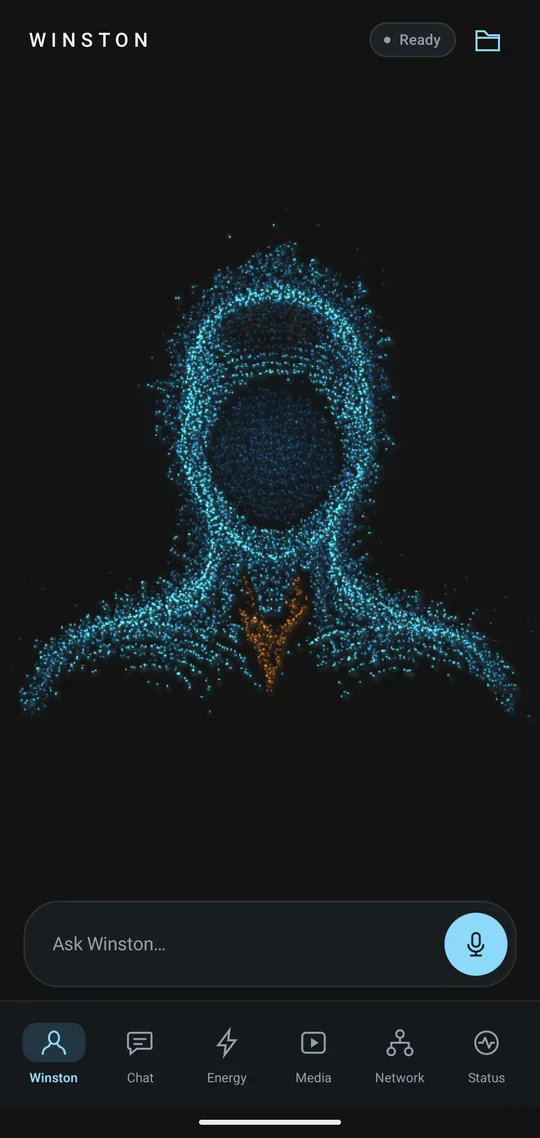
Screens from the Android app, shown with sample data.


How it works
Claude, from Anthropic, is Winston's default model. It handles conversation, reasoning and device control. Claude Code takes on longer jobs, and you review the results before they're applied.
Speech recognition, text-to-speech and smaller models run on your own hardware. A powerful local GPU can be woken up, with your approval, when a task needs it.
Roadmap
Winston runs every day in a real home. We're now preparing him for early-access households.
| Working now | Next | Later |
|---|---|---|
|
|
|
About Bray-Zen
Bray-Zen is an independent UK company building Winston. It started with one question: what would a home assistant look like if you could trust it with your front door? Winston is the answer, designed, built and tested in a working home.
We plan and set up Home Assistant homes, ready for Winston: devices, networking and automations.
We advise teams on building AI agents that are safe to use, drawing on what we've learned building Winston.
Early access
We're opening Winston to a small group of early-access homes that already run Home Assistant. Tell us a little about yours.